Personal API tokens
Personal API tokens let scripts, internal tools, and automation read Nexly analytics through the API.
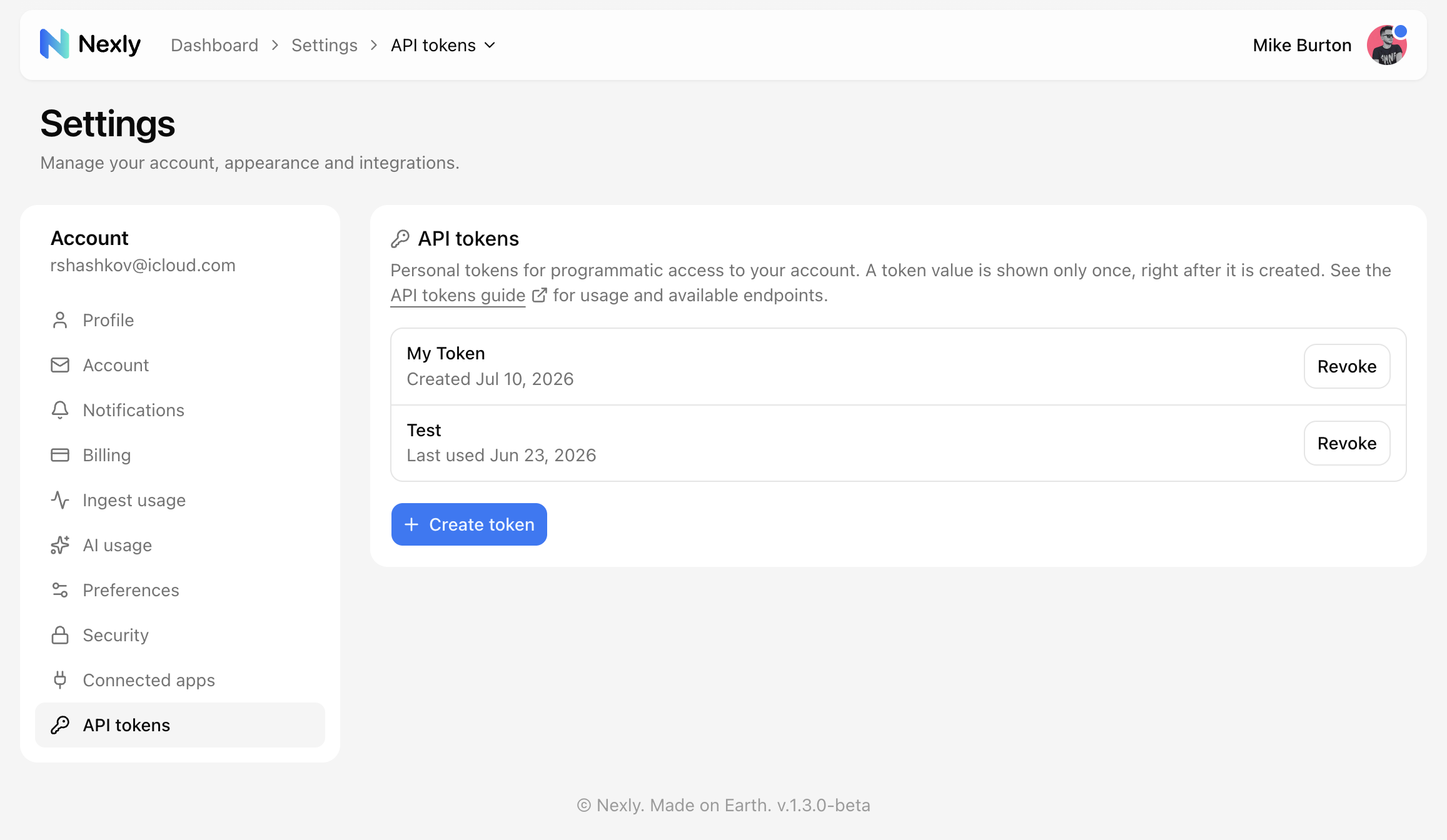
Personal API token vs ingest key
A personal API token is read-only and belongs to your account. It is used with Authorization: Bearer.
An ingest key belongs to a property and is used by SDKs to send events.
Do not put a personal API token into SDK installation code. Do not use an ingest key for read API calls.
Create a token
Open Account settings → API tokens and choose Create token. Name the token after where it will be used so it is easy to recognise later.
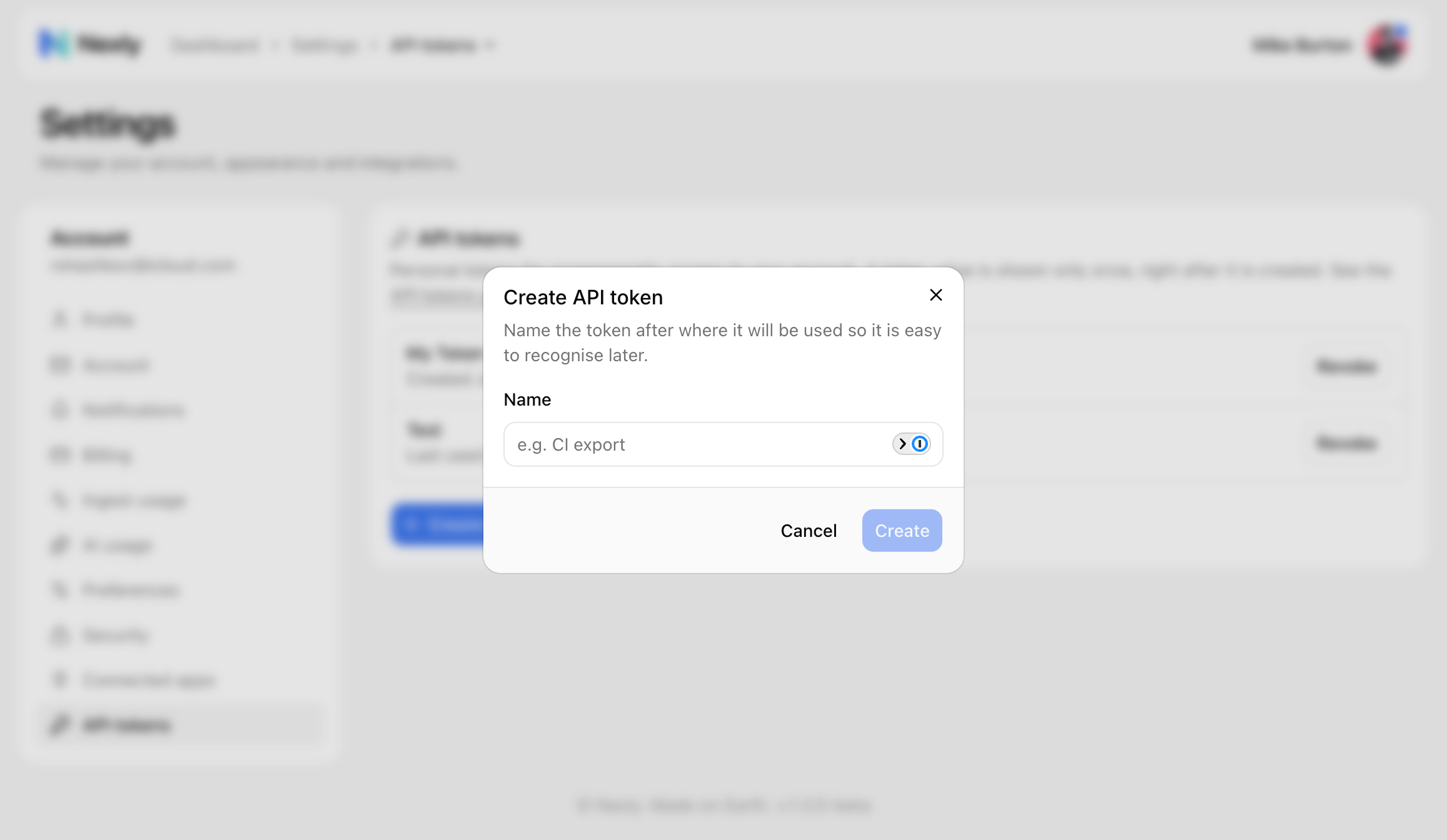
Nexly shows the token once, right after it is created. Store it somewhere secure before closing the dialog.
Tokens use the nxp_ prefix.
Use a token
Send the token in the Authorization header:
curl \
  -H "Authorization: Bearer nxp_your_token" \
  https://api.nexly.to/v1/account
Use the API for read workflows such as pulling account details, listing accessible properties, or reading analytics endpoints exposed in the OpenAPI reference.
Security
Personal API tokens are sensitive even though they are read-only. Treat them like passwords:
- Store them in a secrets manager or environment variable.
- Do not commit them to source control.
- Revoke tokens you no longer use.
- Rotate tokens if they may have been exposed.
Access boundaries
Tokens can read data that your account can access. They do not grant access to properties outside your account or team memberships.
If an API request fails, check that the token owner still has access to the property.