Report sharing
Report sharing lets you send a prepared analytics summary without giving someone full dashboard access.
Share links
Reports can have public share links. Anyone with the link can view the shared report snapshot, so only share it with the intended audience.
Open a report, open the actions menu in the header, and choose Share report to enable the link and copy it.
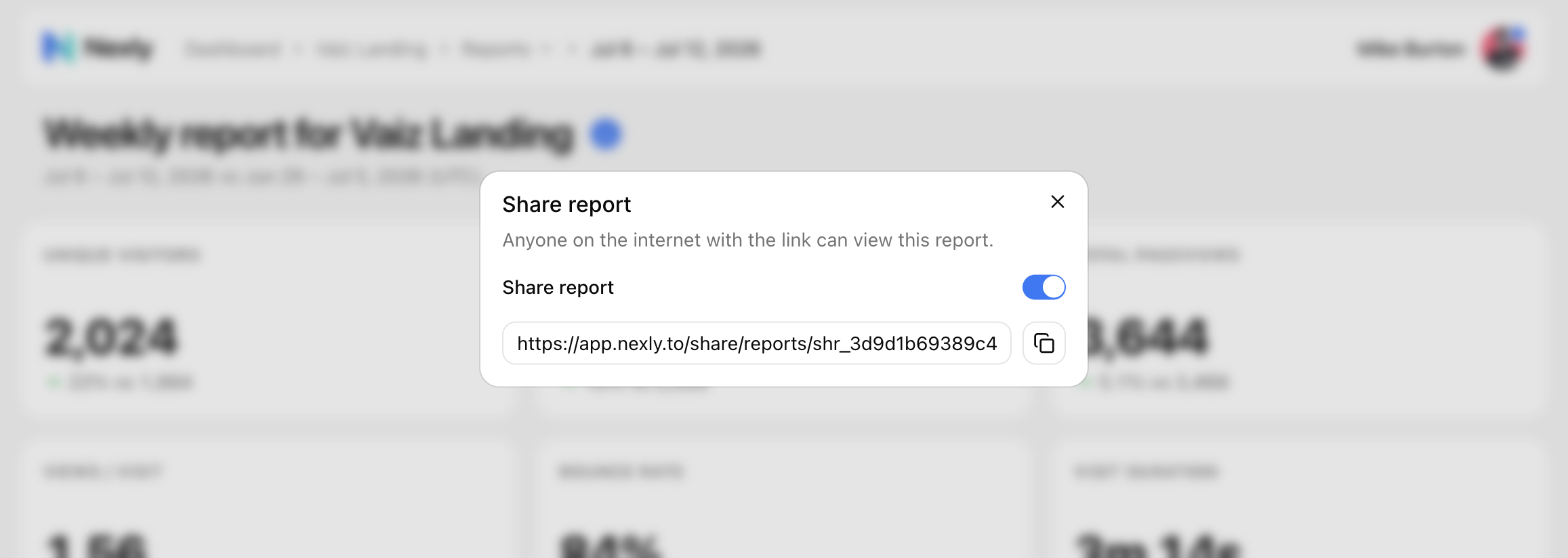
Use share links for:
- Investor or stakeholder updates.
- Client summaries.
- Team recaps outside the dashboard.
- Weekly or monthly status notes.
PDF and print
Use browser print or PDF export when you need a static copy of a report.
PDFs are useful for meeting packets, archives, and places where public links are not allowed.
What a shared report includes
A report can include:
- Headline metric changes.
- Top pages.
- Top sources (acquisition channels).
- Top countries.
- Top custom events.
- Links back to Nexly where available.
Shared reports are intended as summaries, not full dashboard replacements.
Revoke or replace a link
If a report link reaches the wrong audience, turn sharing off in the share dialog — the old link stops working immediately. Turning sharing back on issues a new link.
For sensitive properties, prefer sharing with teammates inside Nexly instead of public links.