Events feed
The Events page shows recent activity in a property. It is useful for verifying instrumentation, inspecting custom events, and understanding what happened inside individual sessions.
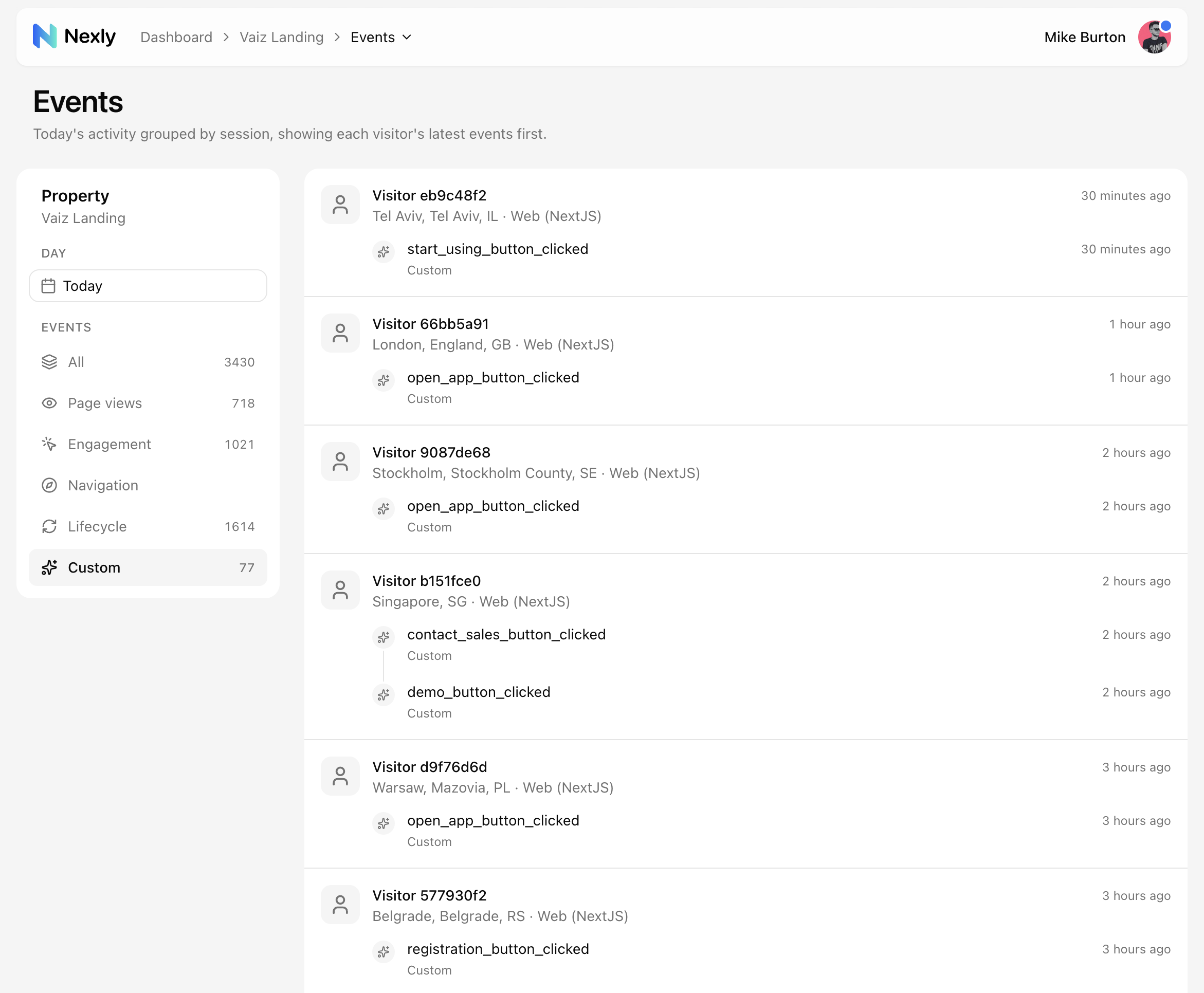
Session grouping
Events are grouped by session, with the newest sessions first. Within each session, events are ordered so recent activity is easy to inspect.
Session grouping helps connect pageviews, engagement, custom events, and server-side events into one timeline.
Picking a day
The feed shows one day at a time — use the day control in the sidebar to switch days. The selected day follows the timezone you picked in Account settings → Preferences, so each team member can choose their own without affecting others.
For questions that span a date range, use the property dashboard and its timeframe menu; the Events feed is for inspecting raw activity within a single day.
Event types
The feed can include:
- Pageview events from web routes and mobile screens.
- Engagement events such as clicks, scrolls, and input focus.
- Lifecycle events such as heartbeats and active-time pings.
- Navigation events for outbound links, downloads, and
mailto:/tel:clicks. - Custom events sent with
customEvent(...).
Server-side events from the Node.js SDK appear with the SDK (NodeJS) source label.
Instrumentation checks
Use the Events page after adding a new SDK or custom event:
- Trigger the action in your app.
- Open the Events page for the same property.
- Confirm the event name, path or screen, and client source.
- To verify custom property values, use the Properties tab of the Custom analytics widget on the dashboard.
- If the event is missing, check custom event approval, ingest filters, allowed origins, and pause state.