Team roles and access
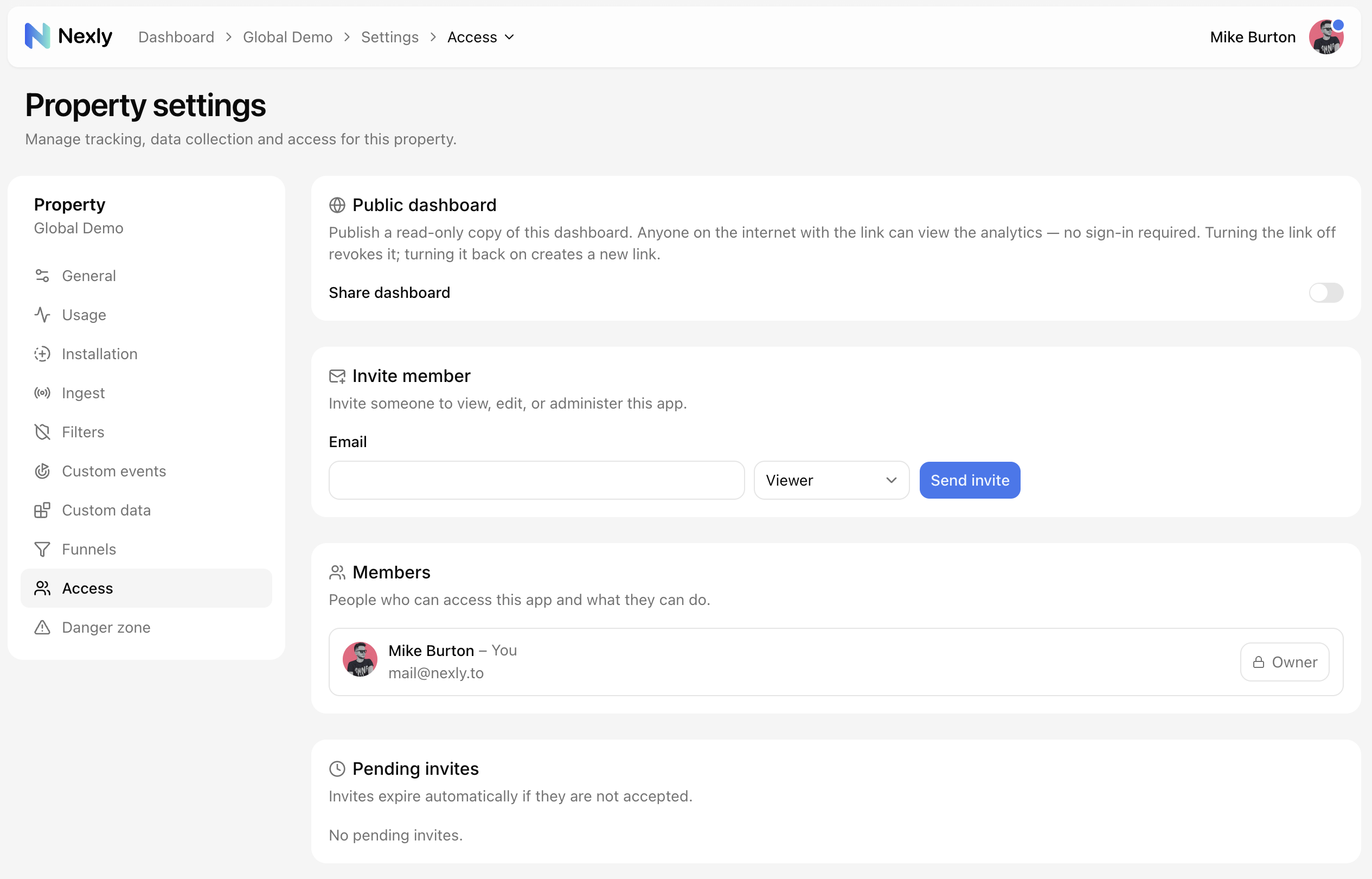
Property roles control who can view analytics, curate data, manage ingestion, invite teammates, and perform destructive actions. Everything on this page lives in Property settings → Access.
Viewer
Viewers can read analytics and settings. They can export data and save personal dashboard views.
Viewers cannot change shared property settings, ingestion controls, team access, or custom analytics definitions.
Editor
Editors can curate how already-collected analytics is presented.
Editors can manage:
- Custom event labels and status.
- Custom data labels and status.
- Team saved views.
- Property display name and avatar.
Editors cannot manage ingestion controls, members, invites, billing, or destructive actions.
Admin
Admins can manage operational property settings.
Admins can manage:
- Allowed origins.
- SDK traffic sources.
- Ingest key rotation.
- Ingest filters.
- Pause ingestion.
- Team members and invites.
- Property deletion.
Admins share the same operational permission tier as the owner, except for creator-only ownership actions.
Owner
The owner is the person who created the property or later received ownership through a transfer. Owner-only actions are reserved for operations that change the ownership boundary.
Transferring ownership
The owner can hand the property over to another person from Settings → Danger zone → Transfer app:
- Enter the new owner's email and confirm by typing the property name.
- The recipient gets an email (and an in-app notification if they already have an account) with an acceptance link. If they do not have an account yet, they can create one from that link.
- Ownership changes only after the recipient accepts. Until then the owner can cancel the pending transfer from the same card.
- Once accepted, the recipient becomes the owner and the previous owner loses access to the property. Both parties receive a confirmation email.
Only one transfer can be pending at a time.
Public dashboard
Sometimes the right access level is "just look at the numbers" — a client, an investor, or a community that should see the dashboard without joining the team. For that, admins and owners can publish a public dashboard: a read-only copy of the property dashboard available to anyone with the link, no sign-in required.
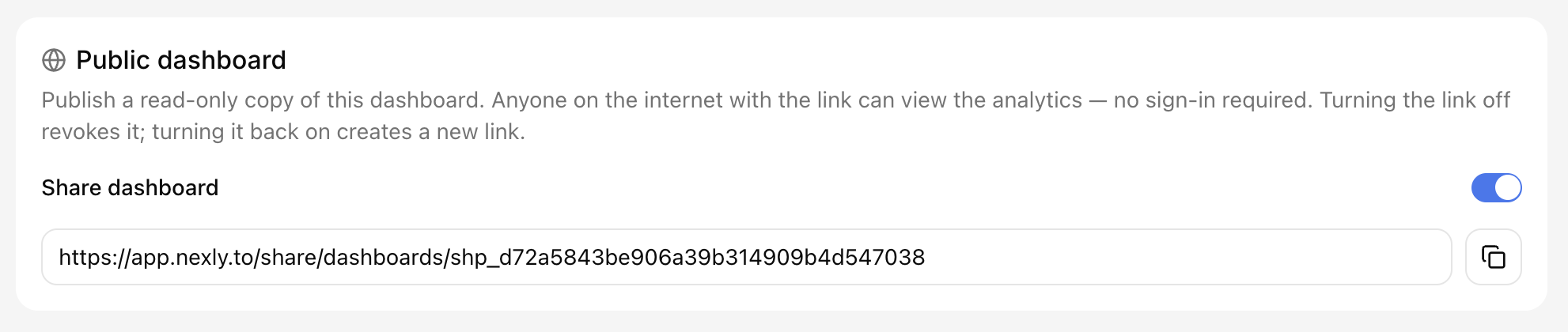
Turn on Share dashboard at the top of the Access page and copy the generated link. Viewers can explore the same analytics you see — visitors, sources, pages, devices, date ranges, and filters — but they cannot change settings, see team members, or manage the property in any way.
The link itself is the only credential:
- Turning sharing off revokes the link immediately.
- Turning it back on issues a brand-new URL — an old link can never be revived by accident.
Use a public dashboard when a Viewer seat is too much; use invites when someone needs to work inside the account.
Inviting teammates
Admins and owners can invite teammates by email from Settings → Access and pick the role the invite grants.
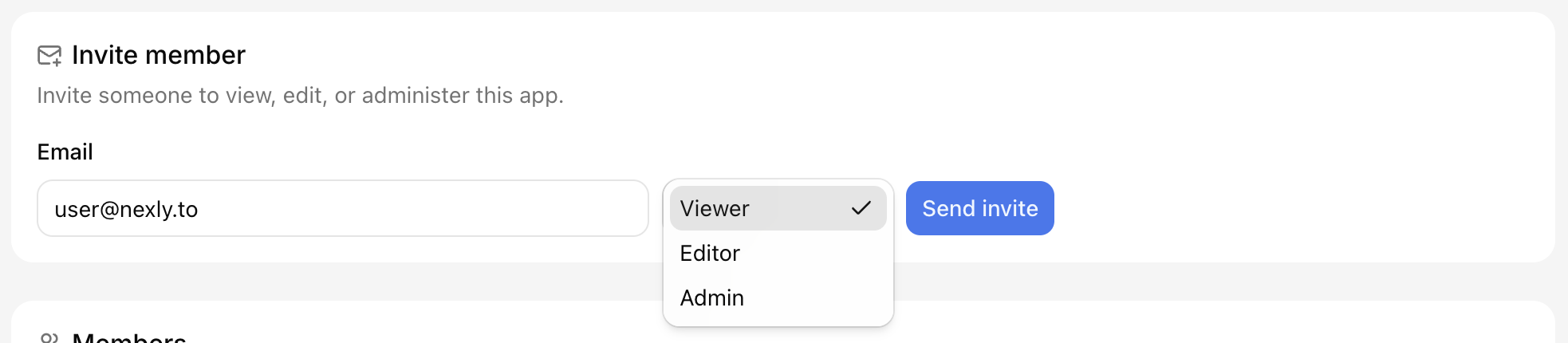
Pending invites expire automatically if they are not accepted. Until then they can be resent or revoked from the same page.

If an invited user signs in with a different email, they must sign out and use the invited email address before accepting the invite.
Managing members
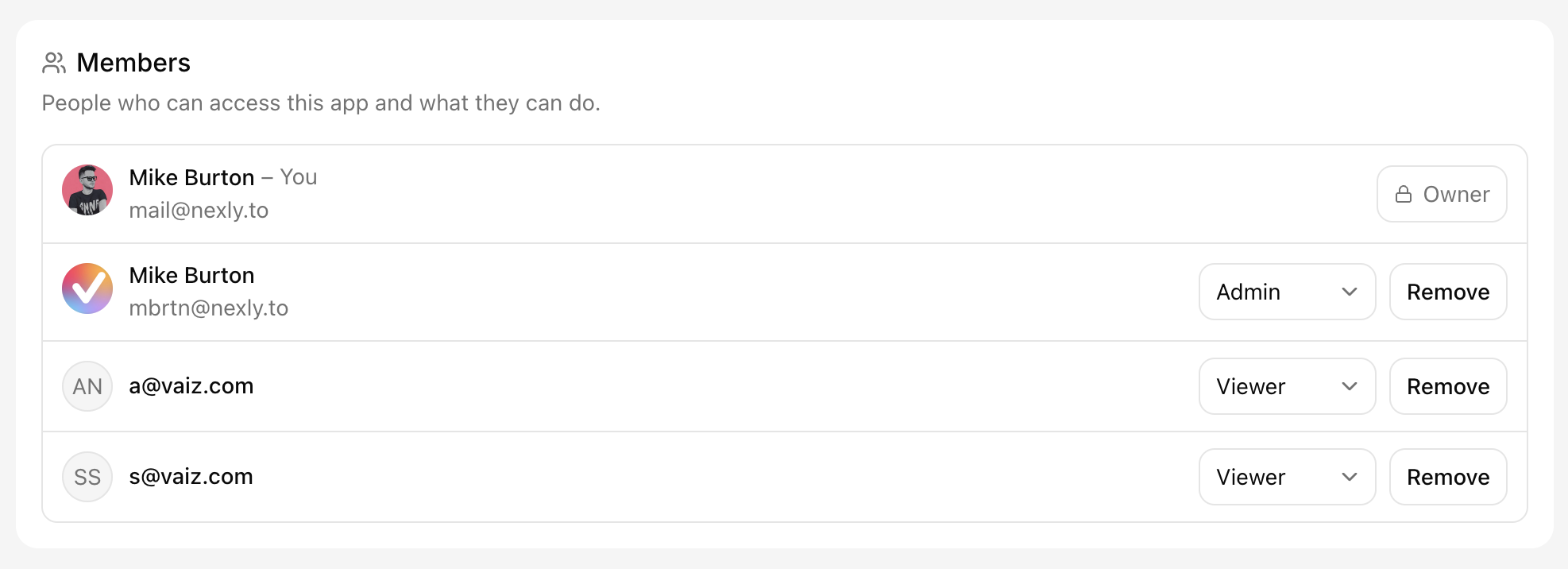
The Members list shows everyone with access to the property. Admins and owners can change a member's role in place or remove them; the owner row is locked because ownership changes only through a transfer.
Leaving a property
Non-owner members can leave a property from access settings. Owner removal is restricted so a property does not lose its last responsible owner.