Profile and preferences
Profile and preferences control how you appear across the dashboard and how the dashboard looks for you. Both live in Account settings. Preferences affect only your own view; your profile name and avatar are your shared identity — teammates see them in access lists and activity.
Profile
The Profile page sets your avatar and display name. Both are shown across the dashboard wherever you appear, for example in team access lists.
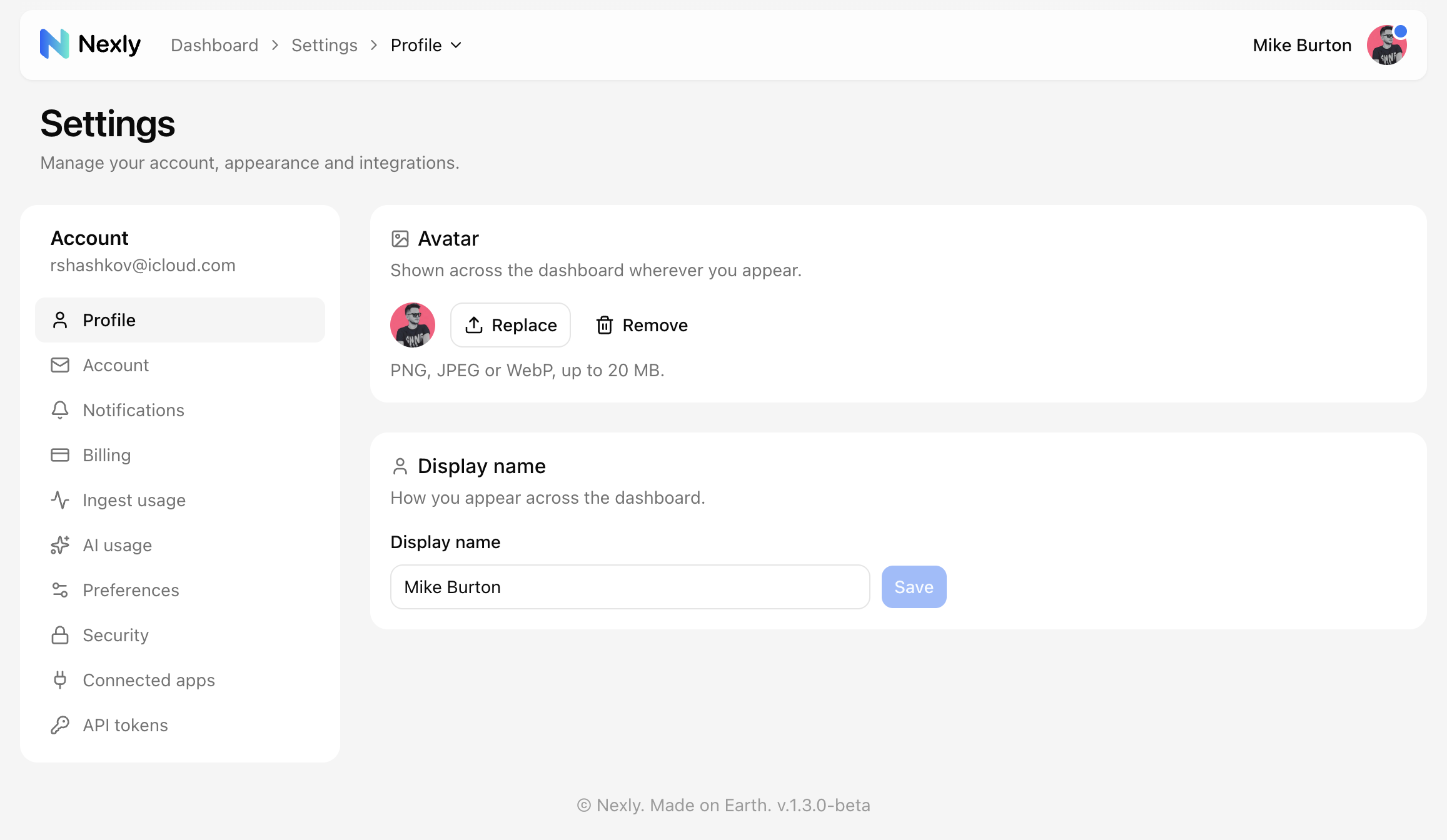
Avatars accept PNG, JPEG, or WebP images up to 20 MB.
Preferences
The Preferences page has three settings:
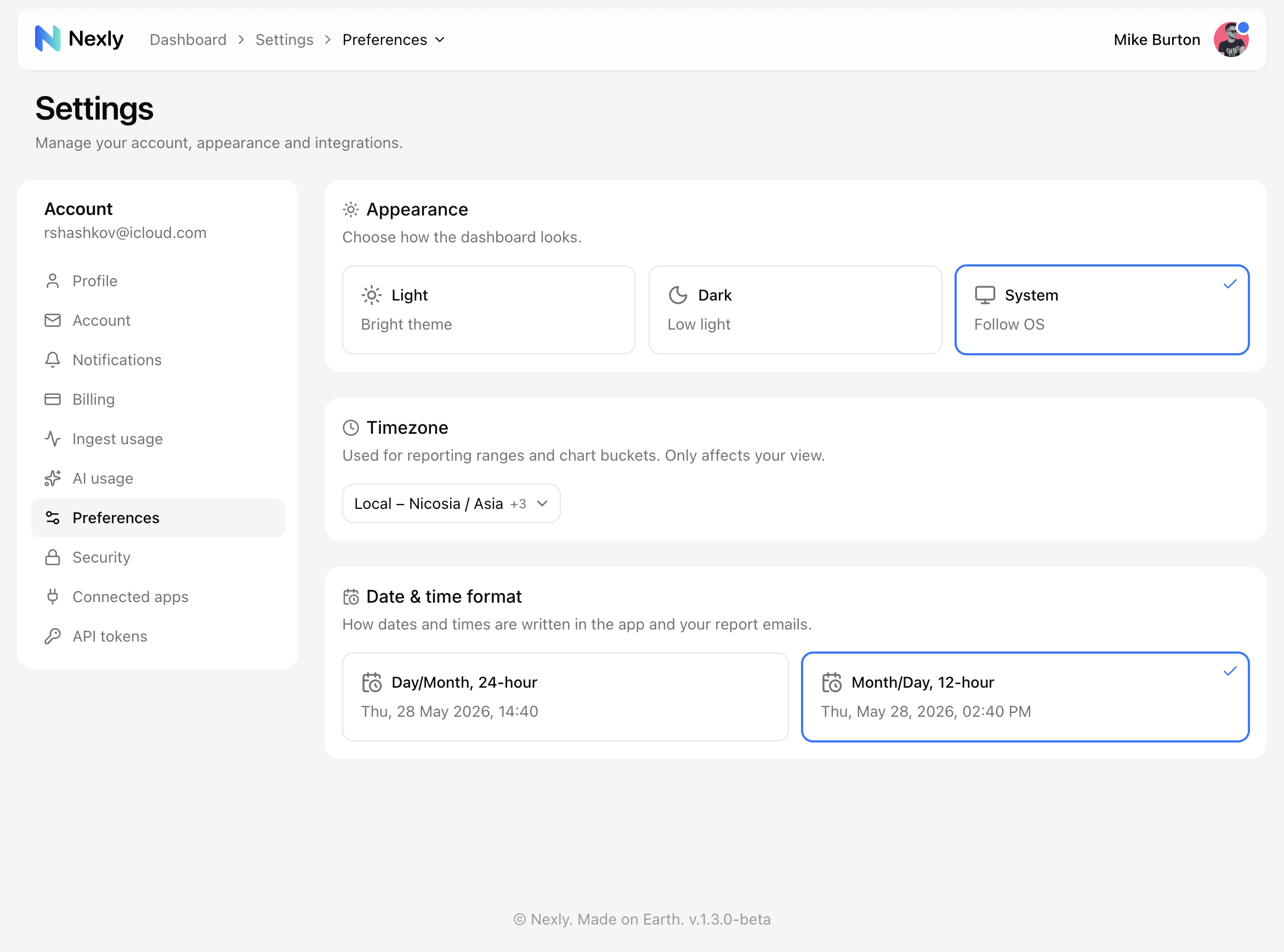
- Appearance — light theme, dark theme, or follow the operating system.
- Timezone — used for reporting ranges and chart buckets. Pick your local timezone or a market-specific one; it only affects your view of the data.
- Date & time format — how dates and times are written in the app and in your report emails: day/month with a 24-hour clock, or month/day with a 12-hour clock.